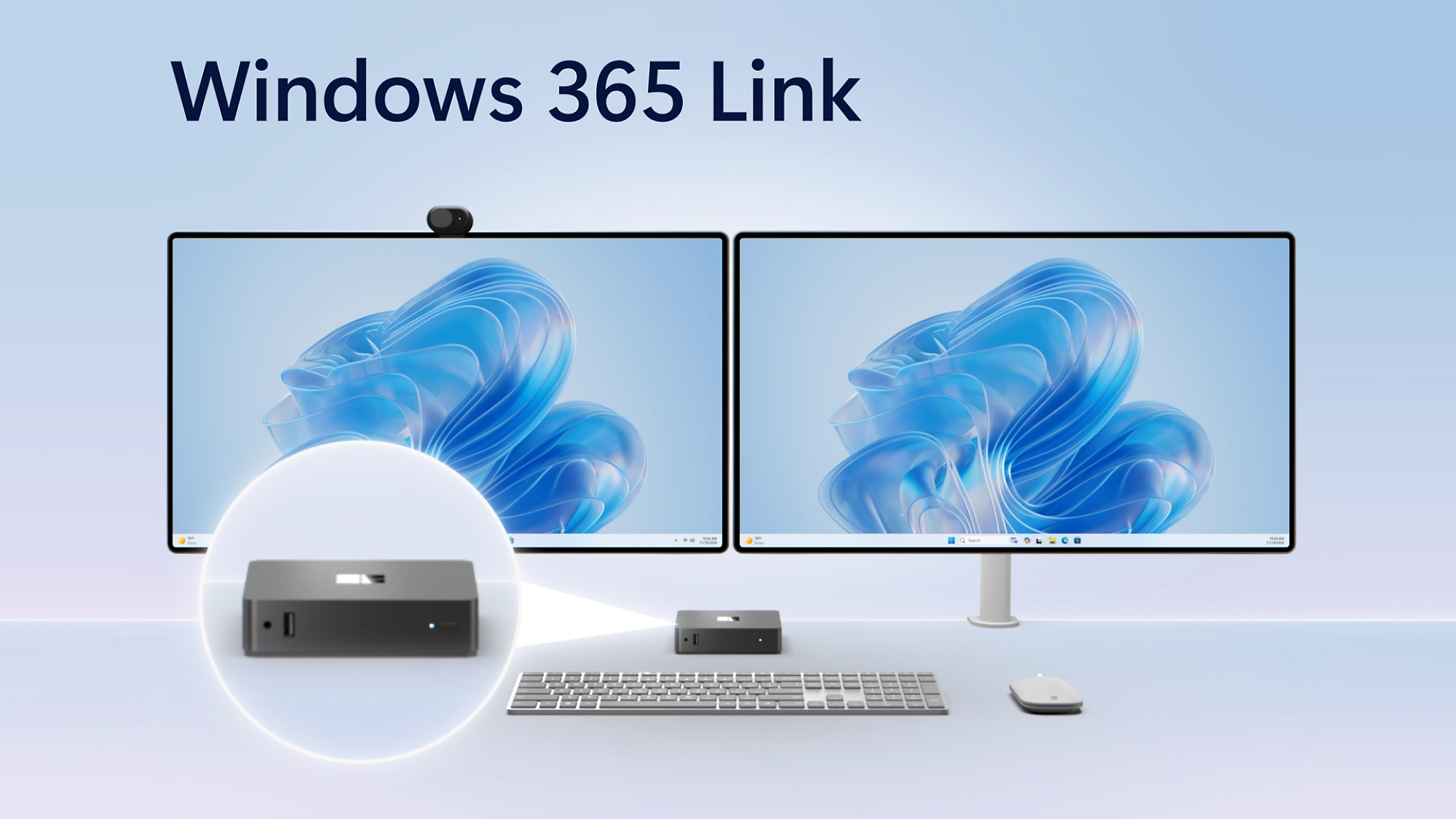
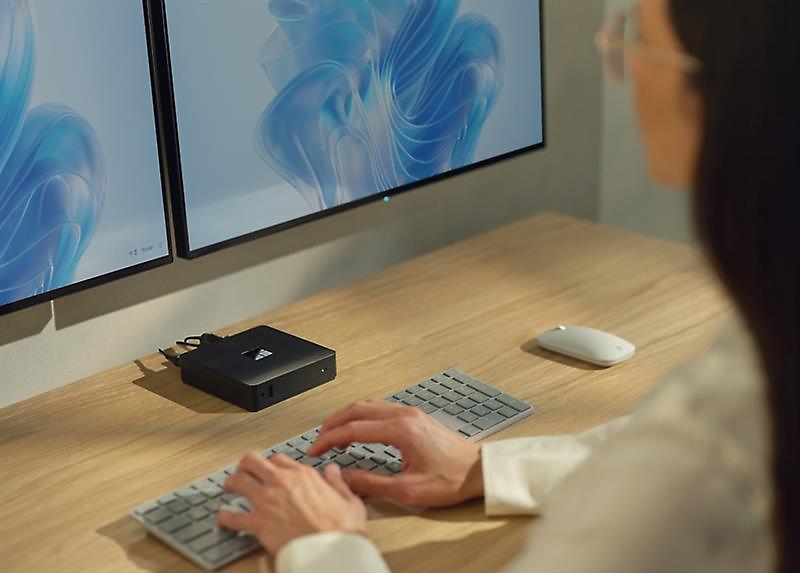
Windows 365 Link is a small, silent box that sits on a desk and connects directly to a Windows 365 Cloud PC. The OS, apps, and data live in Azure — not on the device. When an employee logs in, they get their full Windows environment in seconds.
There is no local storage of business data. No imaging. No recovery imaging when something breaks. The device is replaced, not repaired — the user’s environment is untouched because it never lived on the hardware.
Prerequisites.
Requirement
Detail
Windows 365 subscription
Per-user Cloud PC licence from Microsoft
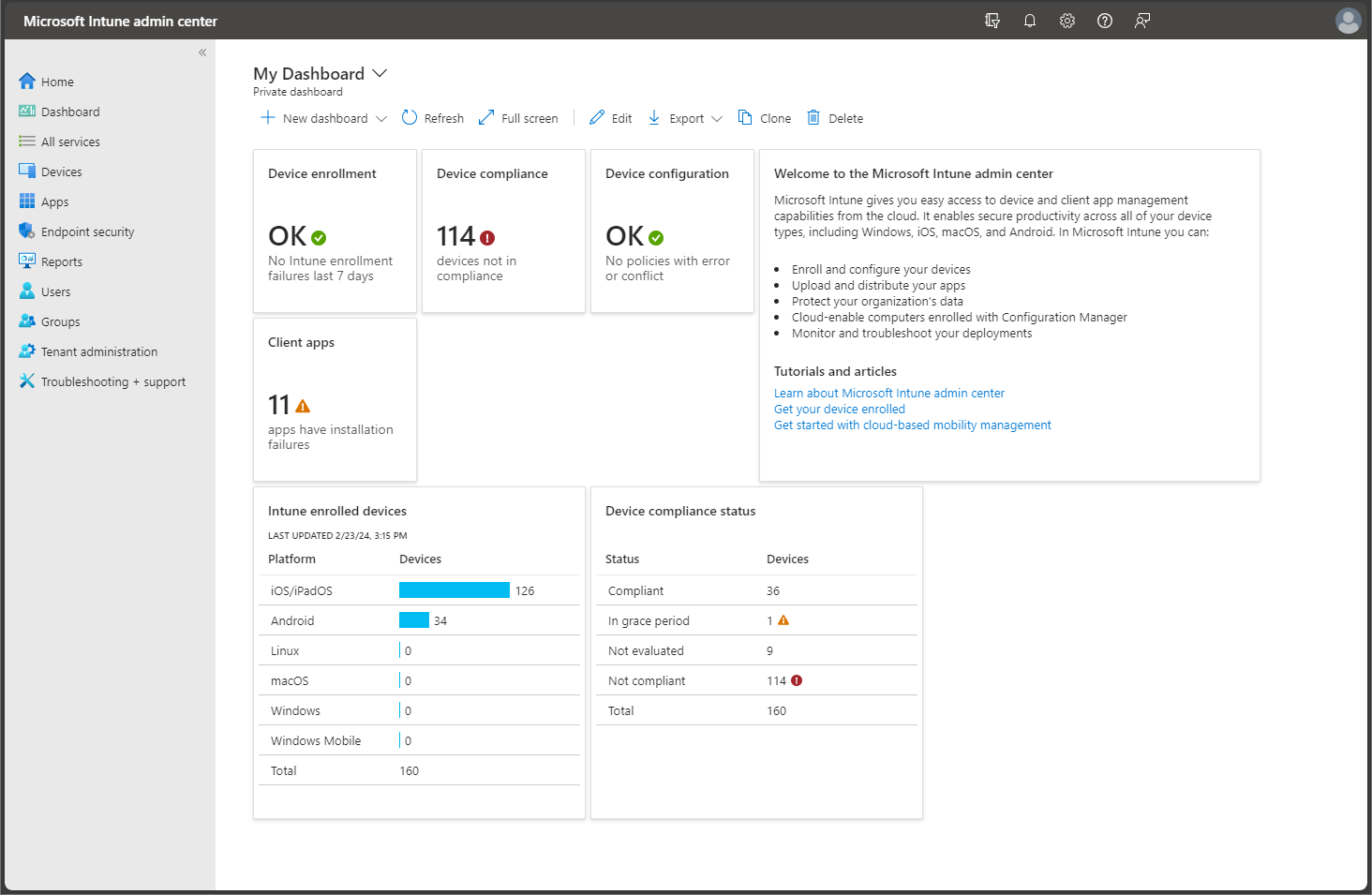
Microsoft Intune
Device management and policy enforcement
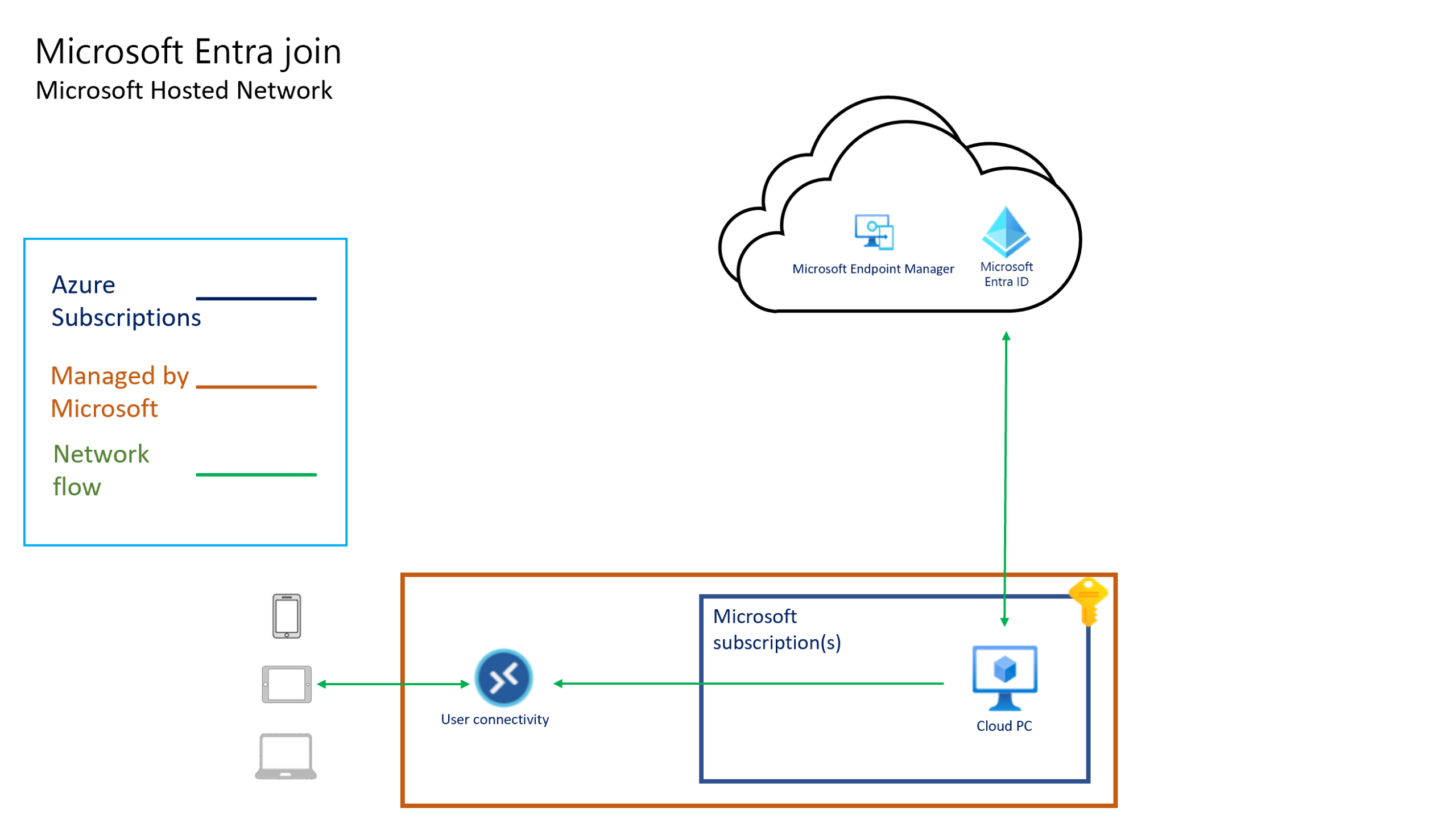
Microsoft Entra ID
Identity and passwordless authentication
Internet connectivity
Wired recommended for consistent performance
Environments it’s built for.
Call centres and support desks
Manufacturing floors and healthcare stations
Retail and reception environments
Hot-desking and flexible office layouts
Frontline workers with shift-based access
It is not the right fit for users who need local compute — video editing, CAD, or offline-first workflows.
How Foetron helps you evaluate and deploy it.
Windows 365 Link sits inside a broader Windows 365 and Intune environment. Getting value from it requires the licensing, Entra ID policies, and Intune configuration to be in order before the hardware arrives.
Foetron assesses your current Microsoft estate, scopes the Windows 365 licence requirement, configures Intune and Entra ID for Cloud PC delivery, and manages the deployment. If your environment isn’t ready, we tell you that — and what it would take to get there.
What an engagement covers:
Windows 365 licence sizing and provisioning
Entra ID configuration and conditional access
Intune enrollment and device policy
Cloud PC image preparation
Pilot deployment and user onboarding
Ongoing managed operations if required
Considering Windows 365 Link for your organisation?
Register your interest and we’ll follow up with a scoping conversation — what your environment currently looks like, what it would take to run Cloud PCs, and whether Windows 365 Link is the right fit.